Verify the destination
Read the masked phone number on the official screen. If it is wrong or unfamiliar, do not keep requesting codes.
Account access · verification
Use the symptom first. A code that never arrives, arrives late, or gets rejected needs a different next step. This guide does not ask for the code.
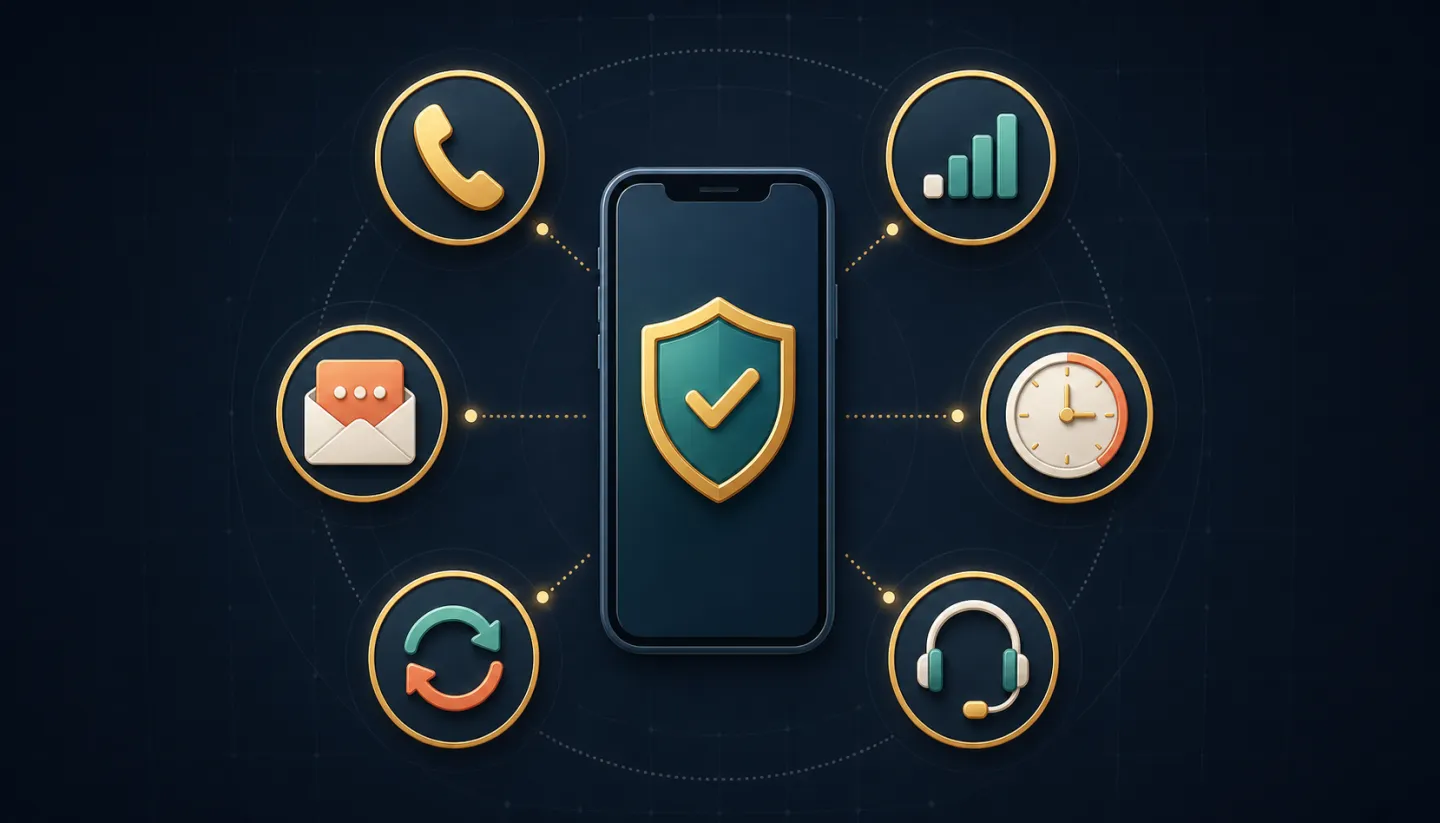
Confirm the phone number shown on the official screen, check mobile signal and automatic date and time, then wait before requesting one fresh code. Use only the newest message. If it still fails, record the exact error and contact support through the official product—never share the code itself.
| What you see | Likely path to test | Avoid |
|---|---|---|
| No message | Confirm the displayed number, signal, SMS filtering, and whether other SMS messages arrive. | Rapid repeat requests. |
| Message arrives late | Wait for the current request, then generate one new code and use only the newest message. | Trying an older code. |
| Code is rejected | Check automatic date/time, input digits exactly, and make sure the code belongs to this session. | Copying spaces or reusing a code. |
| Someone asks for the code | Stop. Open the product yourself and use its visible support channel. | Sending OTPs in chat or screenshots. |
Read the masked phone number on the official screen. If it is wrong or unfamiliar, do not keep requesting codes.
Keep a usable mobile signal, turn airplane mode off, and allow a reasonable delivery window before one controlled retry.
Provide the time, device, network, and exact error. Redact phone numbers and never provide the OTP or password.
Verification codes are authentication factors. CISA recommends phishing-resistant MFA where available, and the FTC warns against giving verification codes to anyone who contacts you. Product-specific retry windows and recovery rules must be confirmed in the official interface.
Delivery can be delayed by weak mobile service, a congested network, an incorrect phone number, or repeated requests. Confirm the number and signal, wait for the current request to finish, then request one new code instead of sending several requests.
No. A one-time verification code proves control of your phone or account. Do not send it in chat, email, social media, or screenshots. Give official support the time, device, and visible error instead.
Return to the official verification screen and request one fresh code. Use only the newest message, keep the device date and time automatic, and avoid retrying older codes.